How can we help?
How to Delete a Notification Number in Boss Alert
This step shows how to remove a previously added notification number from Boss Alert.
Steps
- Open the Boss Alert page.
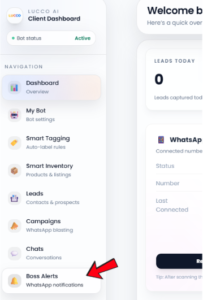
- Click Add Number Button
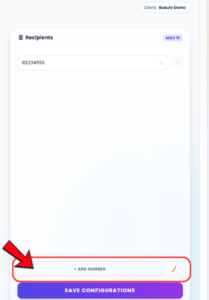
- You will see an X button beside each notification number.
- Select the phone number you want to remove.
- Click the X button beside that number.
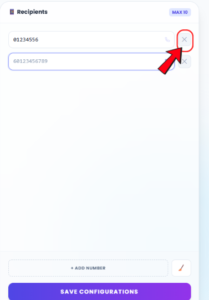
- After removing the number, click Save to update the setting.
Important Note
- Please make sure you are removing the correct notification number.
- If there is only one notification number left and you want to remove it, you need to replace it with another value first.
- The notification number field cannot be left empty. There must be at least one value inside the field.
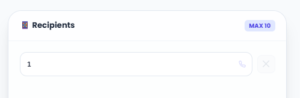
- If you do not want to place any real notification number, you may replace it with a temporary value such as “1”, then click Save.