How can we help?
How to Import Leads
This step shows how to import your lead list into the Lucco AI system.
Steps
- Open the Leads page.
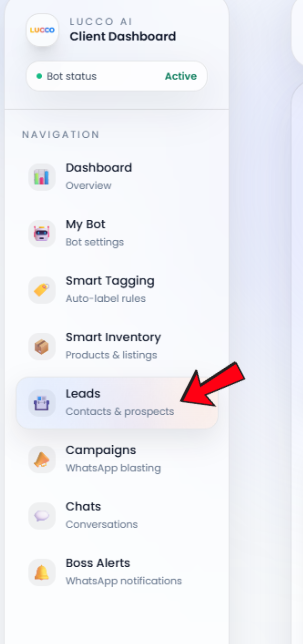
- Click the Import button.

- Click Choose File.

- Select the CSV or Excel file that you want to import.
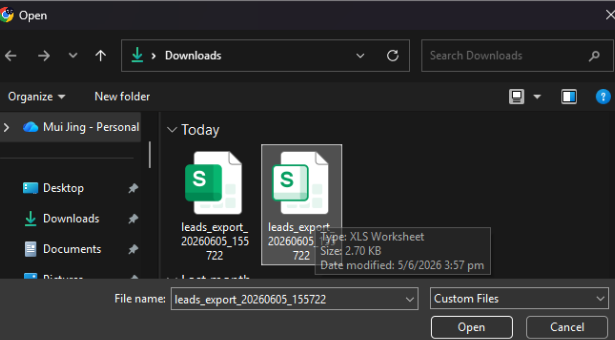
- After selecting the file, click Import.
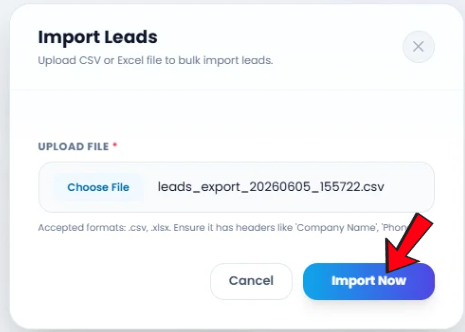
- The system will upload and import the lead data into your Leads page.
Important Note
- Accepted file formats: .csv and .xlsx.
- Please make sure your file includes proper headers, such as Company Name and Phone .
- If the file format or headers are incorrect, the system may not import the lead data properly.