How can we help?
How to open staff notification
Boss Alerts is used to notify the business owner or person in charge when important customer messages come in.
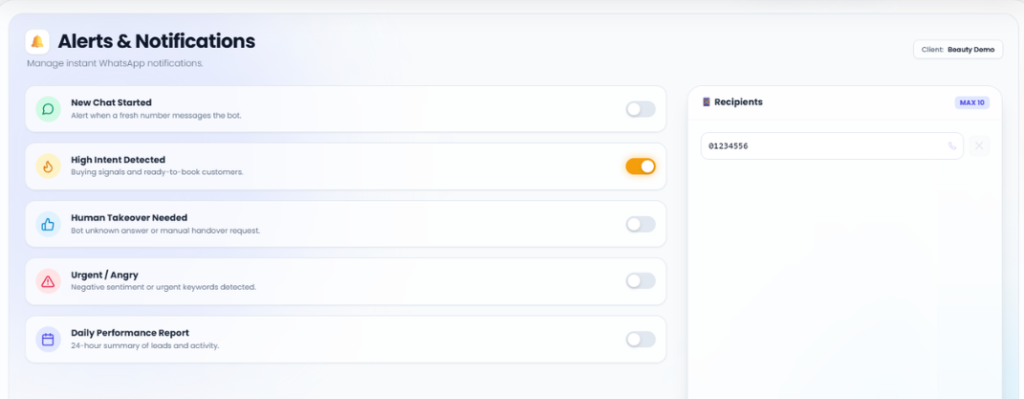
Examples include:
-
New customer message
-
New booking
-
New order
-
Customer with buying intent
-
Customer needs human follow-up
-
Urgent or complaint message
Steps
-
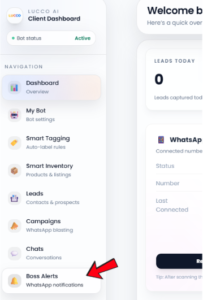
Go to the Boss Alerts page.
-
Select the notification types you want to receive.
-
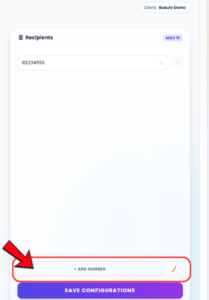
Click Add Number button to set number that should receive the notification.
-
Check that the number is correct.
-
Click Save.
Important Note
Please make sure the receiver WhatsApp number is added correctly.
If no receiver number is added, the system may not be able to send notifications to the person in charge.