How can we help?
How to Connect WhatsApp
Steps
-
Open the Dashboard page.
-
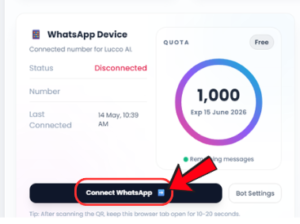
On the top left side, look for WhatsApp Device.
-
Click the Connect WhatsApp button.
-
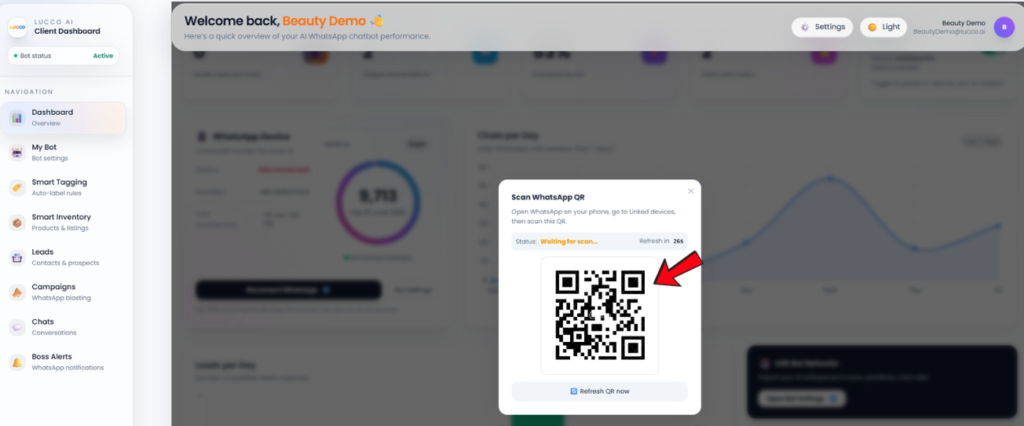
A QR code will appear.
-
Use your business WhatsApp account to scan the QR code.
-
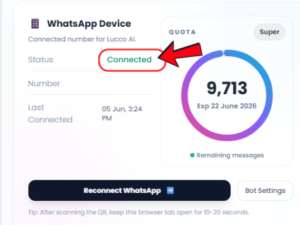
Once scanned successfully, your WhatsApp will be connected to the system.
Important Note
Please make sure the WhatsApp number you use to scan is the same as the System WhatsApp number shown under WhatsApp Device.
Do not scan using another WhatsApp number, otherwise the account may not connect correctly to the system.