How can we help?
How to Export Leads as CSV
This step shows how to export your lead list from the Lucco AI system as a CSV file.
Steps
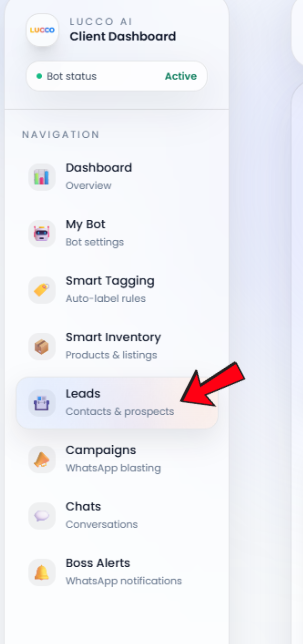
- Open the Leads page.
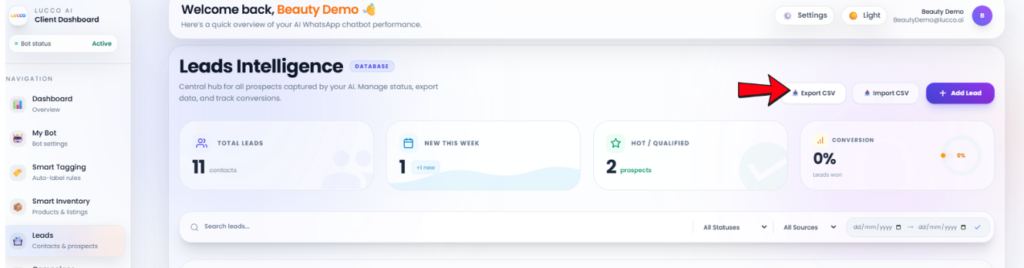
- Look for the Export CSV button.
- Click the Export CSV button.
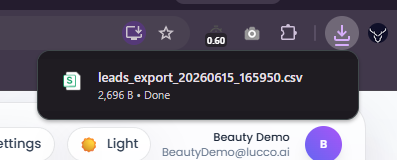
- The system will download your leads data as a CSV file.
- You can open the CSV file using Excel, Google Sheets, or any spreadsheet software.
Important Note
- The exported CSV file contains your lead information from the Leads page.
- Please keep the file safe and avoid sharing it with unrelated people, as it may include customer contact details and lead information.