How can we help?
How to Use Stop AI Logic
Stop AI Logic allows the system to stop the AI Bot from replying when a specific keyword is detected.
This is useful when your staff wants to take over the conversation manually.
Steps
Click the Settings button at the top navigation bar.

Open Bot Logic Settings.
Go to Stop AI Logic.
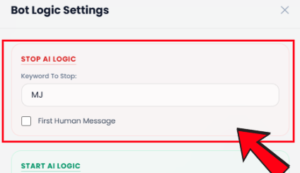
Under Keyword To Stop, enter the keyword you want to use to stop the AI.
- Example: staff name, booking, or any keyword your team wants to use.
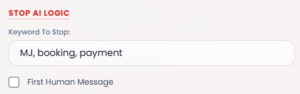
If you want the AI to stop after the first human message, tick First Human Message.
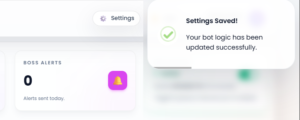
Click Save All Settings.
The Stop AI Logic setting will be saved.
Important Note
- When the stop keyword is detected, the AI Bot will stop replying based on your setting.
- Please choose a keyword that your team can remember easily.
- Avoid using a keyword that customers may commonly type, otherwise the AI may stop unexpectedly.